
Signup
History
Sign up for Goexch247
Signup is for a new customer who meets the legal gambling age and location rules. Use your own details, read the account terms and apply only once.
Do not register if you are under [LEGAL GAMBLING AGE], located outside [APPROVED TERRITORIES], self-excluded or otherwise prohibited from gambling.

Check eligibility first
- I meet the gambling-age rule where I am currently located
- Goexch247 and the requested products are permitted in this location
- The account will be for my own use
- I can provide accurate information and complete required checks
- No self-exclusion or other gambling prohibition applies to me
Do not use a location-masking service, borrowed identity or another person’s payment method. Incorrect information can lead to a rejected application or restricted account.
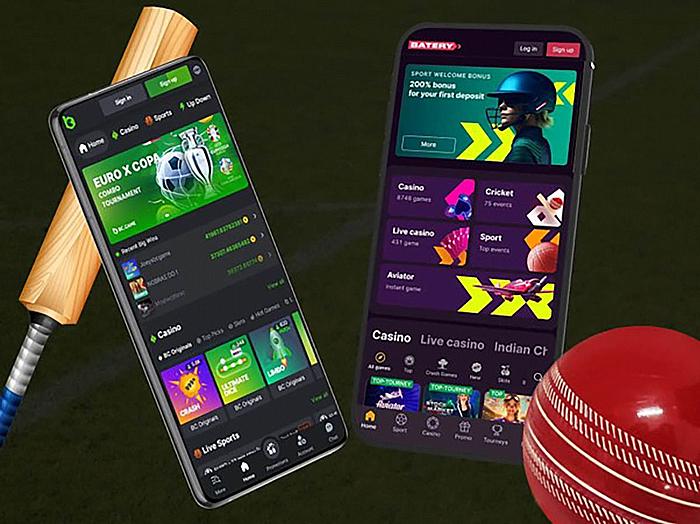
Create your account
- Open the Signup form on Goexch247.online.
- Enter your legal name and date of birth exactly as shown on your documents.
- Add a mobile number and email address that you control.
- Choose a unique password and enable extra login security when offered.
- Read and accept the current terms and privacy notice.
- Complete any verification request in the secure account area.
- Set a personal deposit limit before adding funds.
Details the form may request
Verification and account decisions
Goexch247 may approve the account, request more information, apply a temporary restriction or decline the application. The decision should follow the rules that apply to the customer and service.
Do not pay anyone who claims to sell a verified cricket ID or guaranteed approval. A genuine account uses the applicant’s own information and remains under that person’s control.
Set a sensible starting limit
Choose an amount from disposable money after bills, food, housing, debt payments and savings. If losing that amount would cause a problem, set a lower limit or do not deposit.
You can stop below the limit. Do not increase it to recover a loss, reach an offer threshold or continue through frustration. Use a time-out or self-exclusion if a normal limit is not enough.
FAQ 'S
No. You must enter your own information, control the contact methods and complete any checks yourself.
No. Registration starts the application. Access may remain limited until the required checks are complete.
Contact official support promptly. Some details may be locked while the operator checks the correction.
No. Check the application status or contact support. A second form can create a duplicate-account review.
FAQ'S